
 Kontakt
 Wie einkaufen

Versand
Kaufberater
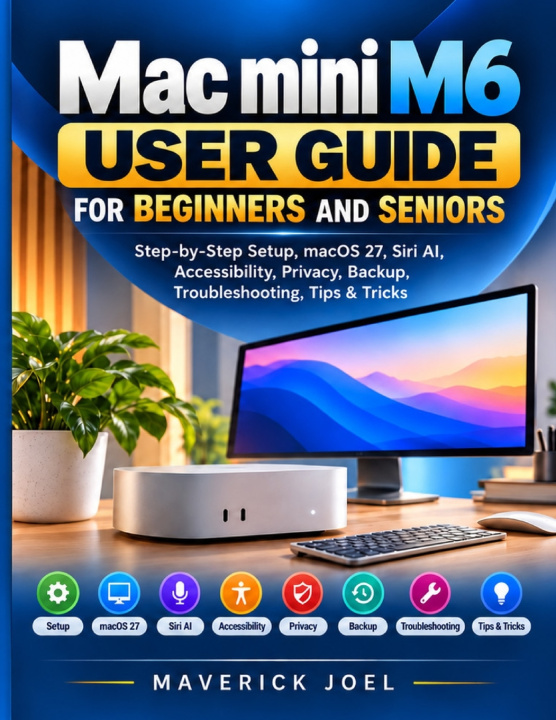
Mac mini M6 User Guide for Beginners and Seniors
Step-by-Step Setup, macOS 27, Siri AI, Accessibility, Privacy, Backup, Troubleshooting, Tips & Tricks
 Englisch
 48 b
 Neu
Bis zu 30 Tage Rückgaberecht

Your new Mac mini is on your desk-but which port connects the monitor, where did your downloads go, and what should you do when Wi-Fi or Bluetooth stops cooperating? If you're new to Mac, returning to computers, or switching from Windows, even simple tasks can feel unfamiliar.
Mac mini M6 User Guide for Beginners and Seniors explains how to get started with your Mac mini M6 and navigate macOS 27 without needing previous Mac experience. Written in plain language, it uses detailed, text-based, step-by-step directions to help you find the right controls, understand your options, and carry out everyday tasks at your own pace.
Start with the hardware: identify the front USB-C and rear Thunderbolt, HDMI, and Ethernet connections, choose suitable cables, and connect your display, keyboard, and mouse. Then follow macOS Setup Assistant, join Wi-Fi or Ethernet, and make Apple Account, privacy, Siri, and Apple Intelligence choices. Moving from another computer? The guide explains Migration Assistant transfers from a Mac or Windows PC, restoration from a Time Machine backup, and manual file copying with external storage-including checks to make sure important information arrived.
Once you're set up, discover how to use Finder, the Dock, Control Center, and System Settings; organize files and downloads; browse with Safari; handle email, FaceTime, and Messages; and work with printers, scanners, PDFs, and external drives. You'll also find guidance on making text and the pointer easier to see, using Dictation and Voice Control, reviewing security permissions, and protecting files with Time Machine.
This book is for first-time Mac owners, seniors who prefer clearly explained controls, Windows switchers, and anyone who wants a practical reference for everyday macOS tasks rather than a technical repair manual.
Inside, you'll learn how to:
- Set up your Mac mini, connect compatible displays and accessories, and adjust screen and Bluetooth settings.
- Transfer files from a Windows PC or another Mac, then find, move, rename, and organize them in Finder.
- Install apps, create and print documents, take screenshots and screen recordings, and work with PDFs.
- Adjust Zoom, VoiceOver, text size, Dictation, and other accessibility options; explore Siri AI and Apple Intelligence writing tools, with availability limits explained.
- Strengthen account security, spot suspicious messages, configure and check Time Machine backups, and recover older or deleted files.
- Diagnose common problems involving blank displays, failed connections, frozen apps, storage, and updates; understand recovery, reinstalling macOS, and preparing the Mac for a new owner.
Take the next step from unpacking your Mac mini to using it with greater confidence-get your copy and keep clear instructions close at hand.


Informationen zum Buch
Englisch

Verschenken Sie dieses Buch noch heute
Es ist ganz einfach
1 Legen Sie das Buch in Ihren Warenkorb und wählen Sie den Versand als Geschenk 2 Wir schicken Ihnen umgehend einen Gutschein 3 Das Buch wird an die Adresse des beschenkten Empfängers geliefertHallo! Ich bin Libroamiko, dein Buchberater.
Wie kann ich dir helfen?